Recently a customer using Microsoft Intune requested to deploy a TrueType font required by one of their line of business apps. Because Intune does not offer a native solution to deploy fonts it was quite clear that a PowerShell script or Intune Win32 app should do the trick. Note that the mentioned PowerShell scripts can also be used for app deployments with Configuration Manager (MEMCM).
There seem to be multiple options depending on the operating system version. I’ve tested this with Windows 10 1909. And broke it down to the following steps:
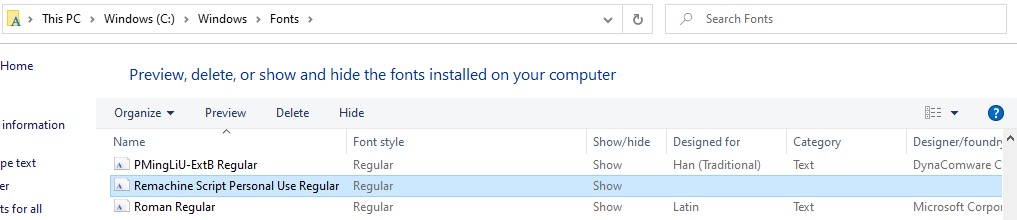
Copy the font to the “C:\Windows\Fonts” folder
Create a registry key which points to the filename of the *.ttf or *.otf font copied to the Windows font path
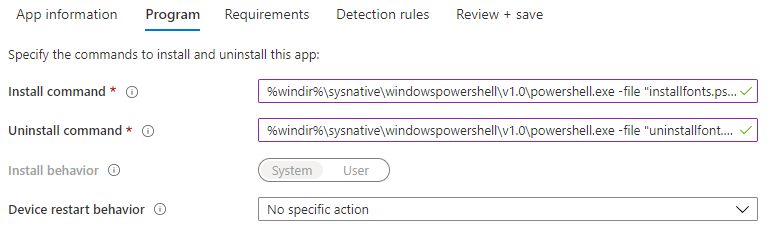
To get the font to Windows 10 devices I created a PowerShell script which copies the font files to the windows-fonts folder and creates the required registry key.
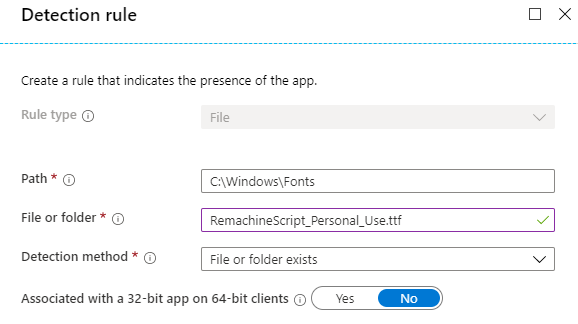
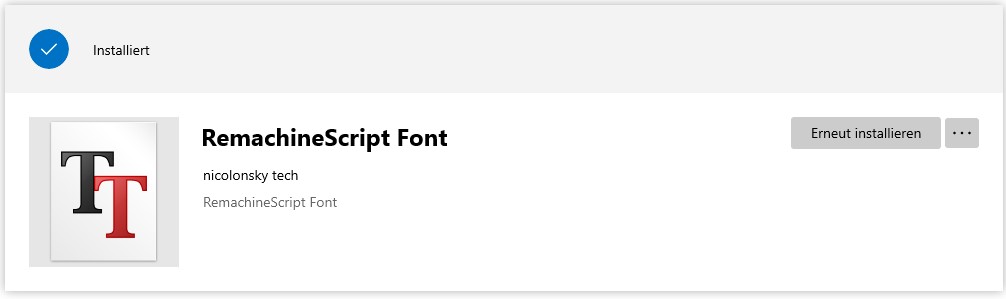
Deploying the PowerShell script as Intune Win32 app has the advantage that we can link the font as a dependency if any app requires a specific font. Additionally we can detect and uninstall the font if needed.
To uninstall the font I created an uninstall script which reverts the steps mentioned above.
Hoping this guide helps you to deploy font files to Windows 10 devices and saves you some time. The mentioned PowerShell scripts could also be used with Configuration Manager (MEMCM).
Happy Font-Deployment.
Author
Nicola Suter
Security Consultant @baseVISION | Building cyber defense with Microsoft Security | Microsoft MVP