Based on one of my older posts about PowerShell script signing with Azure DevOps I recently implemented a PowerShell script signing workflow with GitHub actions I wanted to share with the community.
Prerequisites#
For this post the following prerequisites are required:
- Code signing certificate in PFX format
- GitHub account
Add variables to GitHub actions#
Because GitHub variables can only be of string content we need to get the contents of the pfx file as base64 encoded string:
$pfxCertFilePath = "~\Downloads\CodeSigningCertificate.pfx"
$pfxContent = Get-Content $pfxCertFilePath -Encoding Byte
[System.Convert]::ToBase64String($pfxContent) | Set-Clipboard
GitHub action variables#
Add two variables as actions secrets:
BASE64_PFX: Base 64 encoded string of the PFX (automatically copied into your clipboard with the above commands)
PFX_PASSWORD: Password for the private key of the pfx file

GitHub action workflow#
Place the following workflow file within your git repository:
.github/workflows/SignPowerShell.yaml whereas the name of the YAML file can be freely chosen.
Workflow execution#
The GitHub workflow is picked up on any push actions to the repository, this might not be what you actually want and can be easy adjusted with a different trigger type.
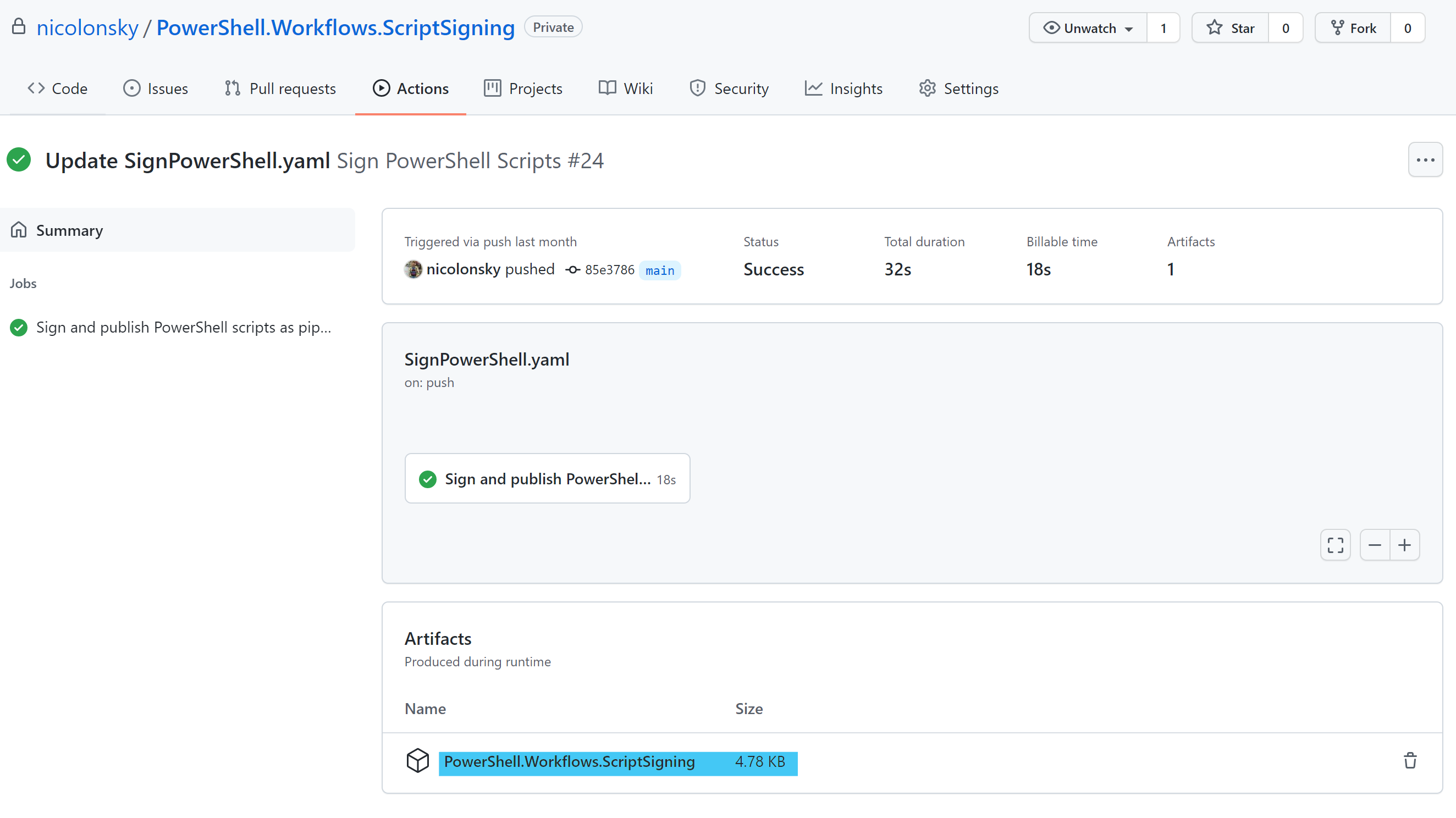
The signed PowerShell scripts are published as pipeline artifact and a zip file with all signed scripts can be downloaded:
Conclusion#
Doing PowerShell script signing is quite easy with GitHub actions and this example workflow should get you started and can be easily augmented with additional steps like creating a release or other publishing.